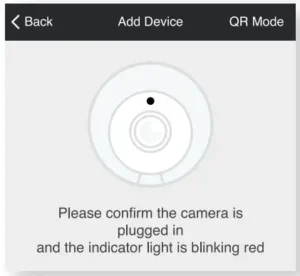
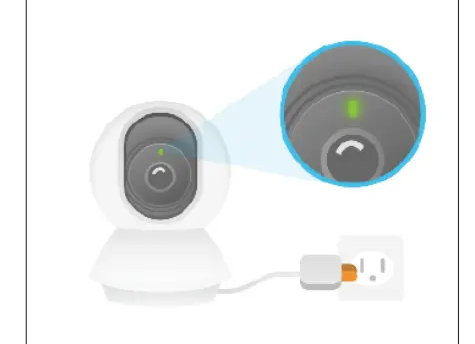
To resolve a “Merkury camera offline” error, first, check for a strong Wi-Fi signal, ensure the camera is powered on, and restart your router and camera to refresh the connection. If the issue persists, try moving the camera closer to the router, confirm your network uses the 2.4GHz band (not 5GHz), and update the Merkury Smart App and camera firmware. As a last resort, perform a factory reset of